
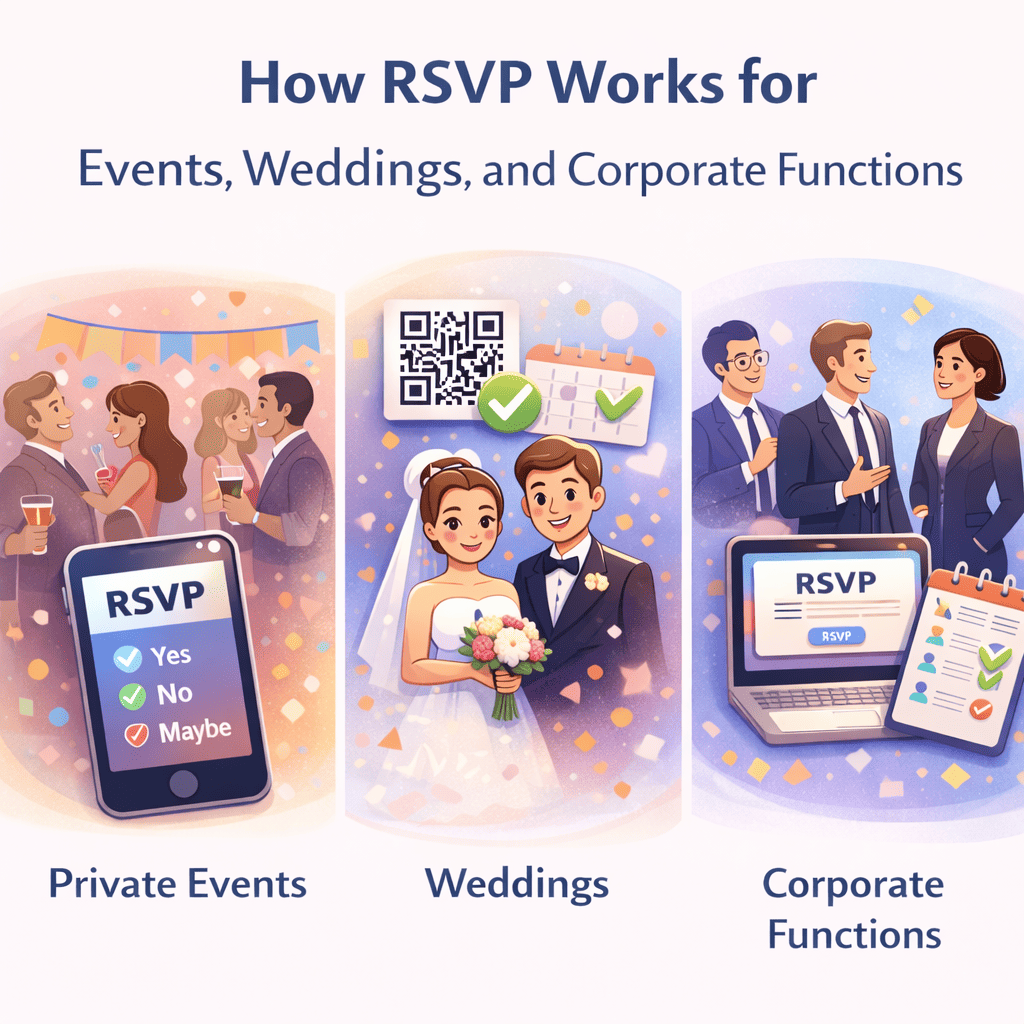
Introduction: The Crucial Role of Communication
In the bustling world of event planning, the success of any gathering—whether a corporate conference, a wedding, or a community meetup—hinges on accurate attendance data. Yet, many organizers struggle with managing RSVPs, leading to costly logistical guesswork and frustrating no-shows. Implementing robust RSVP confirmation and reminder best practices is the foundation for flawless event execution, ensuring you have the right headcount and your guests feel valued and informed.
The Art of Seamless RSVP Confirmation
The moment a guest submits their RSVP, they should receive immediate confirmation. This eliminates uncertainty and acts as the first touchpoint in building excitement and trust. A confirmation email or screen should never be a simple “Thank You.” Instead, it must serve as a micro-summary of the event details. Include the event name, date, precise start and end times, location (with a map link), and a clear outline of what to expect next. For virtual events, include the direct access link immediately, perhaps noting that the link will also be resent closer to the date.
A crucial best practice is to offer guests an easy way to add the event directly to their digital calendars (iCal, Google Calendar). This passive reminder mechanism is highly effective in minimizing attendance slip-ups. Furthermore, if the event requires pre-selection (like meal choices or breakout sessions), confirm those selections in this initial communication.
Timing is Everything: Effective Reminder Strategies
While confirmation is instantaneous, reminders require careful timing to be effective without becoming annoying. Event organizers should typically implement a two-stage reminder system:
Reminder Stage 1: The Logistics Check (7-10 Days Prior)
Sent roughly one week before the event, this reminder serves two primary purposes: confirming the final details and providing a last chance for guests to notify you of major changes. Reiterate key logistical information such as parking instructions, dress code, and any required pre-event preparations. Frame this reminder as a helpful check-in rather than a demand for re-confirmation.
Reminder Stage 2: The Final Nudge (24-48 Hours Prior)
This final communication is designed to minimize no-shows by placing the event top-of-mind just before it happens. Keep the message concise and focused on the immediate future. If it’s a virtual event, this is the definitive moment to resend the access link and any necessary login credentials. For in-person events, a brief message expressing excitement for their arrival is often enough to secure attendance.
Leveraging Technology for Personalization and Automation
Manual RSVP management is prone to errors and exhaustion. Modern event management software is essential for automating the confirmation and reminder flow. Utilize features that allow you to segment attendees (e.g., VIPs, general admission, speakers) and personalize the messages. Personalized reminders, which address the guest by name and reference their specific choices (like their selected workshop track), drastically increase engagement and reinforce commitment to attend.
Finally, always include a clear, easy-to-access ‘Update My RSVP’ or ‘I Can No Longer Attend’ link in every communication. Making it simple for guests to change their status ensures you receive the most accurate data, allowing you to manage catering, seating charts, and overall logistics efficiently.