
In the world of corporate event planning, few things are as crucial—or as frustrating—as managing the guest list. Accurate attendance figures dictate catering orders, seating charts, venue size, and ultimately, the event budget. While technology has streamlined the process, ensuring attendees respond promptly and truthfully requires strategic planning. Implementing effective RSVP best practices is the key to turning chaotic guest lists into perfectly executed business gatherings.
The Power of Clarity: What Information to Include
Ambiguity kills response rates. Your RSVP request should be meticulously clear. Beyond the basic “yes” or “no,” attendees need crucial details upfront. Clearly state the event name, date, time (including end time, if applicable), and location. If the invitation extends to a plus-one, specify this directly (e.g., “Max one guest permitted”).
For large-scale or multi-session conferences, use the RSVP form to gather necessary logistical data. Ask about dietary restrictions, accessibility needs, and session preferences immediately. Consolidating these requests prevents numerous follow-up emails, reducing administrative burden and providing planners with a holistic view of requirements well in advance. Remember, a clear invitation is a professional invitation.
Establishing and Enforcing Deadlines
The RSVP deadline is not a suggestion—it’s a critical operational necessity. Set a realistic deadline, typically 10 to 14 days before the event, allowing ample time for vendors and catering adjustments. Crucially, communicate the deadline’s importance. Explain briefly why the date is firm (e.g., “Due to catering guarantees, we cannot accommodate responses received after [Date]”).
When the deadline approaches, use automated email reminders. Send the first reminder three days before the cut-off and a final “last chance” email on the day of the deadline. If an important client or executive misses the deadline, a personal, non-automated follow-up is appropriate, but be firm in stating the limitations if the response impacts a fixed cost, such as a custom meal.
Leveraging Digital RSVP Tools
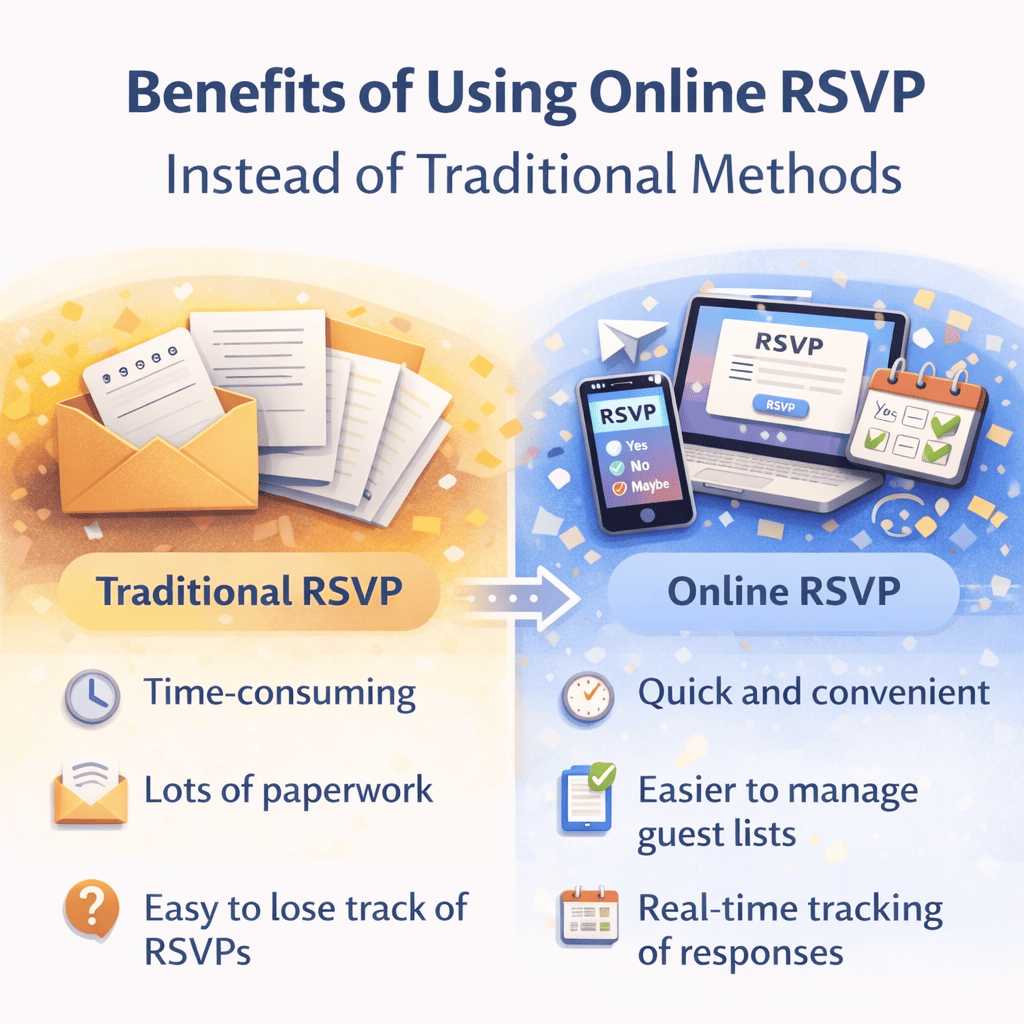
Manual tracking via spreadsheets is inefficient and prone to error. Modern corporate event planning demands reliable digital RSVP tools. Platforms like Evite Pro, Eventbrite, or specialized CRM tools offer automated tracking, instant confirmation emails, and simplified data export.
Digital forms should be mobile-friendly and exceptionally easy to navigate. Consider implementing a unique registration link or QR code for each invitee, especially for exclusive events. This technique prevents unauthorized sharing and allows for granular tracking of who has and has not opened the invitation, greatly assisting targeted follow-ups. Integrating the RSVP data directly into your CRM ensures seamless post-event communication and relationship management.
Handling Last-Minute Changes and No-Shows
Despite the best planning, last-minute cancellations and no-shows are inevitable. Establish a clear policy for cancellations. While full refunds for ticketed events may be impractical close to the date, acknowledge the change professionally. For free events, track cancellations as they impact seating capacity.
To combat high no-show rates (especially for non-ticketed events), consider implementing a brief confirmation survey 48 hours prior to the event. This subtle nudge often prompts fence-sitters to commit or cancel. Finally, always calculate a realistic no-show buffer (typically 10-15%) into your initial catering and seating estimates, ensuring you are prepared, but not overly penalized, by unexpected gaps.
By prioritizing clarity, firm deadlines, and robust digital systems, event planners can move beyond guesswork and achieve optimal attendance accuracy, ensuring corporate events meet their strategic goals without budget overflow.